


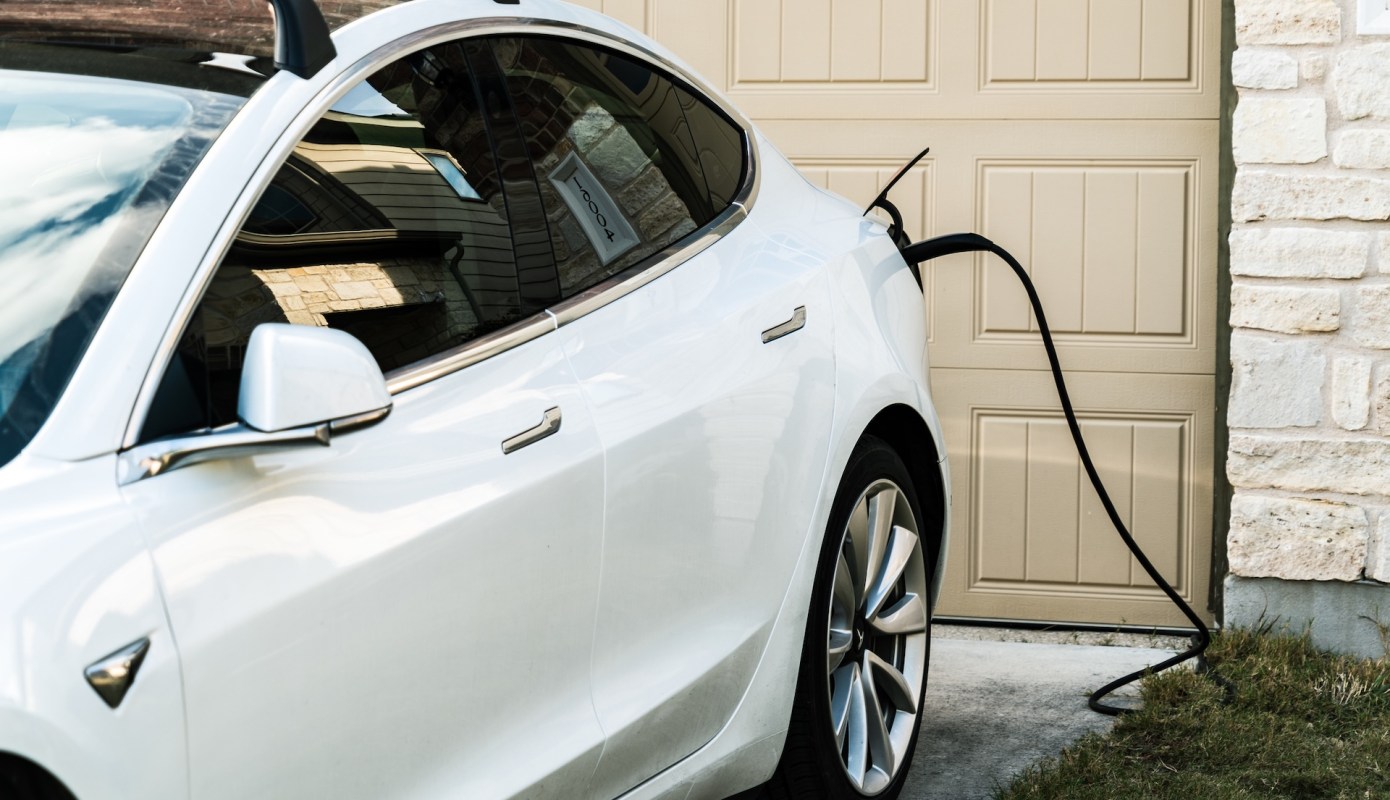
A Tesla owner trying to get more value out of rooftop solar asked a deceptively simple question: Can a Powerwall be told to fill completely before any extra solar starts charging a Model S?
For households juggling a home battery, an electric vehicle, and time-sensitive utility rates, that charging order can make a real difference in convenience and monthly power costs.
What's happening?
Tesla owners discussed the issue in a post on Reddit, where one user asked, "Can I set my Tesla Powerwall where it will only charge my Tesla Model S if the Powerwall is at a 100% charge?"
The question highlights a common challenge for solar-equipped households. When both a home battery and an EV are available to absorb extra daytime solar production, homeowners may want one to take priority over the other.
What the user wanted was a setup in which daytime solar would finish filling the Powerwall before any leftover generation started charging the car.
Replies centered on control: could Tesla's built-in Charge on Solar behavior handle that order on its own, or would NetZero be needed for more precise automation?
TCD Picks » Quince Spotlight
💡These best-sellers from Quince deliver affordable, sustainable luxury for all




People also pointed out that the outcome can depend on how backup reserve and charging schedules are configured when the battery and the EV are effectively competing for the same solar production.
The issue is not whether solar can charge the car. It is whether Tesla's software can be adjusted to do so in the most cost-effective order.
Why does it matter?
For many homeowners, prioritizing the Powerwall first can be a practical way to save money. A full home battery can be used later in the evening, when grid electricity is often more expensive, rather than sending the daytime solar directly into an EV battery right away.
That can matter even more in areas where utilities pay relatively little for exported solar while charging much higher retail rates after sunset.
It is also a resilience issue. A fully charged Powerwall can provide more backup electricity during outages, which may be especially important during heat waves, storms, or wildfire-related shutoffs.
Smart energy management can help households get more value from equipment they have already paid for.
What can I do?
If you have a similar setup, the first step is to review your Tesla app settings carefully.
Charge on Solar, your vehicle's charging schedule, and the Powerwall backup reserve can all influence whether extra solar is stored in the battery, sent to the car, or exported to the grid at different times of day.
If Tesla's built-in controls do not provide the priority order you want, third-party tools such as NetZero may offer more customization.
That added control can matter for users who want EV charging to wait until the Powerwall reaches a chosen state of charge.
It can also help to check your utility rate plan. The biggest savings often show up for homeowners on time-of-use pricing or for those who receive low export compensation for surplus solar.
In those cases, maximizing self-consumption may be more valuable than simply charging whenever excess solar is available.
If your goal is both savings and backup protection, it may also be worth testing a few settings over several billing cycles. The best setup can depend on driving habits, household energy use, and how often reserve power is needed after dark.

Get TCD's free newsletters for easy tips, smart advice, and a chance to earn $5,000 toward home upgrades. To see more stories like this one, change your Google preferences here.