


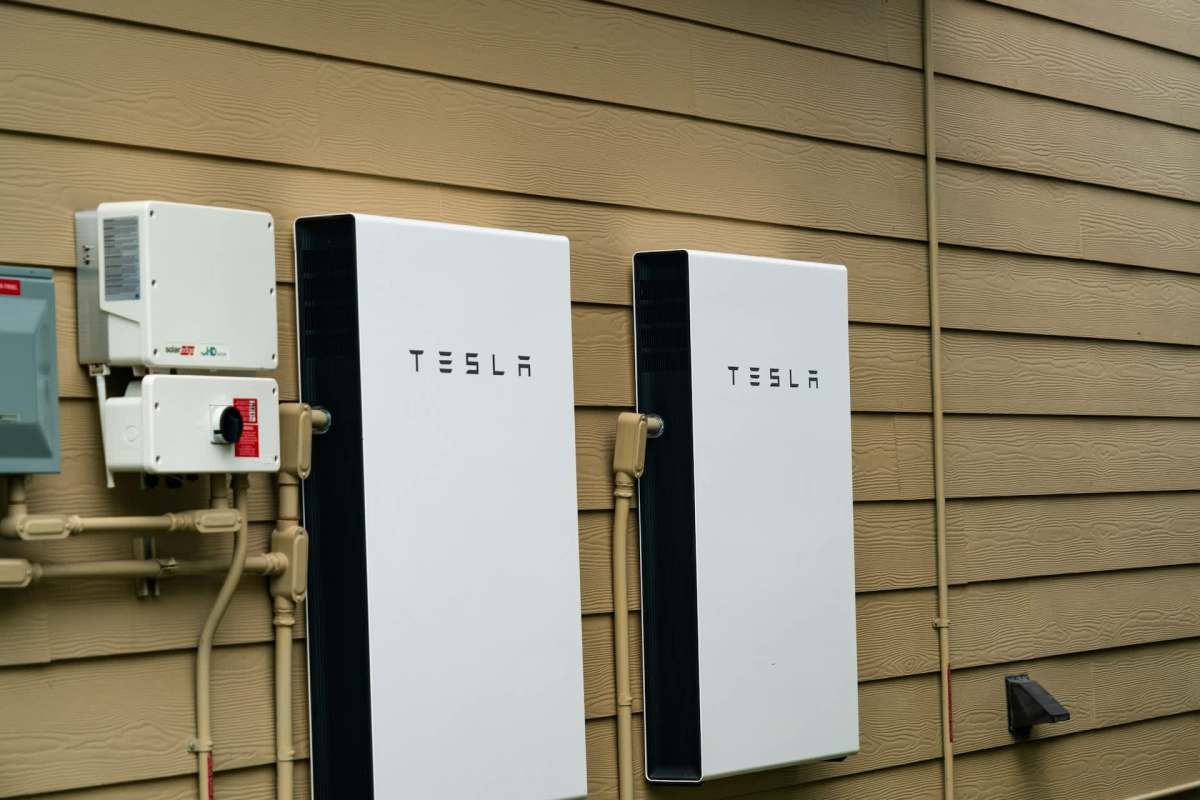
A frustrated Tesla Powerwall 3 owner in the United Kingdom complained that the Tesla app, which they said used to refresh in a matter of seconds, now has a lag of 30 to 50 seconds.
Wondering if the cause had something to do with their home's particular setup or if Tesla was slowing down the response time on its cloud servers, the Powerwall 3 owner turned to Reddit for advice.
Here's what to know
According to their post on Reddit's r/Powerwall forum, the owner said their Tesla ONE portal still responded immediately even as the main Tesla app slowed down. The original poster further explained that their year-old Powerwall 3 was otherwise operating normally, but the app no longer reflected "house load changes within 5-10 sec max" and instead took "30-50 seconds between actual load changes and the app showing these changes!"
They added: "There is no local issue when testing with Tesla ONE app. It is instantly changing."
Several other Powerwall owners said they had seen similar delays.
"Phone is paired and the refresh is terrible on it," said one commenter. "I also have a monitor(s) which I hook in through Tesla's APIs and this is equally as slow so I think Tesla are just limiting the load on their servers and have drastically increased the refresh times to and from their systems."
When it is functioning properly, battery storage is one of the best ways to protect your home during outages, save money on energy, and go off-grid. If you're exploring home battery options, EnergySage can help you get information about home battery storage choices, including competitive installation estimates.
EnergySage has teamed up with the electrification brand Qmerit to guarantee you get the best price on home battery storage solutions. Another option is Pila, whose plug-and-play batteries are priced at a fraction of what a whole-home backup system would cost.
Save $10,000 on solar panels without even sharing your phone number Want to go solar but not sure who to trust? EnergySage has your back with free and transparent quotes from fully vetted providers in your area. To get started, just answer a few questions about your home — no phone number required. Within a day or two, EnergySage will email you the best options for your needs, and their expert advisers can help you compare quotes and pick a winner. Solar panels can save you more than $50k over their 25-year lifespan, and EnergySage can help you save as much as $10k on installation. Which begs the question — isn't that worth an email or two? |

More background
Because the on-site Tesla ONE updated instantly, the original poster took that as a sign the slowdown was not coming from the battery hardware itself but rather from the servers running the Tesla app's cloud-based platform.
Others agreed, with much of the discussion focused on Tesla's cloud polling or possible server-side limits.
"I think it's not the stability of the network, it's likely that they're slowing/throttling their cloud api polling!" the OP wrote in the comments.
Another commenter chimed in that switching their Powerwall from a Wi-Fi connection to Ethernet made things "slightly better," but also said monitors tied into Tesla's APIs were "equally as slow."
Some commenters recommended more tech-intensive workarounds, including setting up the system to use a local connection instead of the cloud.
"Pair your phone and get it to work on 'Your Wifi Network - Local Connection', refreshes every 5 secs if I am not wrong," said one.
A potential shortcoming of relying on cloud-based services, particularly for activities that require real-time monitoring, is that any data moving through the cloud is susceptible to throttling and lag time, with the company, not the consumer, controlling the flow.

Get TCD's free newsletters for easy tips, smart advice, and a chance to earn $5,000 toward home upgrades. To see more stories like this one, change your Google preferences here.