


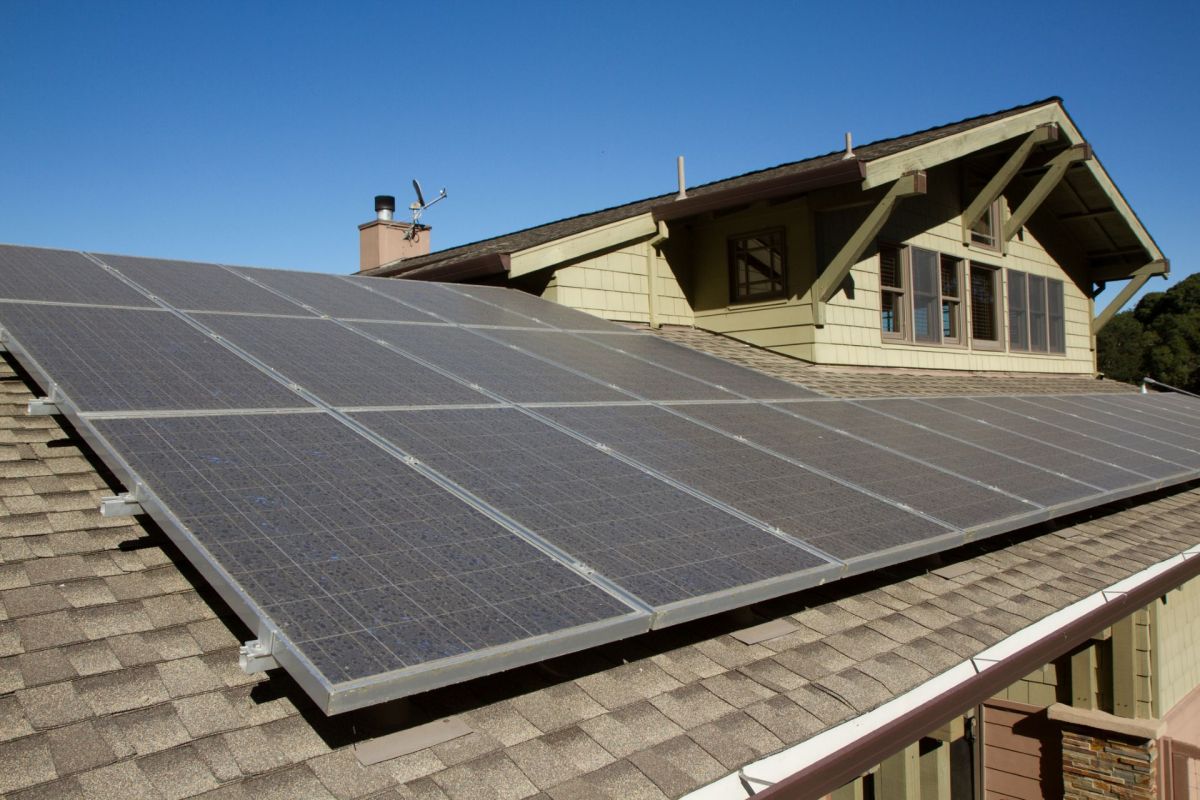
A new solar-and-battery owner expected lower bills after a rooftop wiring mistake was fixed and solar generation suddenly surged.
Instead, their Powerwall kept charging overnight anyway — a frustrating but familiar issue for homeowners still waiting on export approval.
What happened?
The problem started with the installation.
In a post on Reddit, a homeowner said only two solar arrays were operating during the first week because some rooftop connections had been missed, even as the battery system was already beginning to learn the home's energy use.
After the wiring was corrected, production jumped.
"We are now producing about triple the kWh we were for the first week. We do not have permission to export yet," the poster wrote.
Even with that increase, the homeowner said the Powerwall kept acting as though solar output were still lower than it was, charging on the cheap overnight tariff more than needed and continuing to pull a little electricity from the grid during the day despite a full battery and capped solar generation.
One commenter offered a simple explanation: "The app is probably in Savings mode. Try Self Powered mode."
Save $10,000 on solar panels without even sharing your phone number Want to go solar but not sure who to trust? EnergySage has your back with free and transparent quotes from fully vetted providers in your area. To get started, just answer a few questions about your home — no phone number required. Within a day or two, EnergySage will email you the best options for your needs, and their expert advisers can help you compare quotes and pick a winner. Solar panels can save you more than $50k over their 25-year lifespan, and EnergySage can help you save as much as $10k on installation. Which begs the question — isn't that worth an email or two? |

Why does it matter?
Smart batteries are designed to help homeowners get the most value from every kilowatt-hour they produce. If a battery charges from the grid when it could have relied on daytime solar instead, that can eat into the savings that made the investment worthwhile in the first place.
For households on time-of-use plans, even small errors can add up.
Battery storage can keep critical appliances running during outages, reduce dependence on the grid, and help homeowners use more of their own clean energy instead of wasting it when export rules or utility limits get in the way.
Adding battery storage is one of the best ways to protect your home during outages, save money on energy, and even move closer to going off-grid. If you're comparing options, it may be worth exploring EnergySage's free tools to learn about home battery storage and get competitive installation estimates. EnergySage has also teamed up with the electrification brand Qmerit to guarantee you get the best price on home battery storage solutions.
What can I do?
If a battery relies on forecasting and rate optimization, a large change in solar production may not be reflected in its behavior immediately.
Correct tariff settings in the app, proper system commissioning, and export approval can all influence when the battery charges or imports power. If it is still drawing from the grid at strange times, having a few days of screenshots and production data could make support discussions easier.
For people still shopping, whole-home batteries are not the only option. Pila also offers excellent battery backup options, and its plug-and-play batteries are priced at a fraction of what a whole-home backup system would cost. That can be a practical entry point for powering essentials during blackouts while avoiding the bigger upfront expense of a full-home installation.

Get TCD's free newsletters for easy tips, smart advice, and a chance to earn $5,000 toward home upgrades. To see more stories like this one, change your Google preferences here.