

A Shelly smart plug buyer trying to set up a simple home energy automation ran into a problem when a warning label appeared to ban the adapter they wanted to use.
The would-be automator went to Reddit for answers to their conundrum and to see whether the plug could be used to support the device setup.
Here's what to know
The question surfaced in a Reddit thread on r/homeassistant, where the original poster explained, "I bought this Smart Plugin to use it to trigger an automation when it draws power."
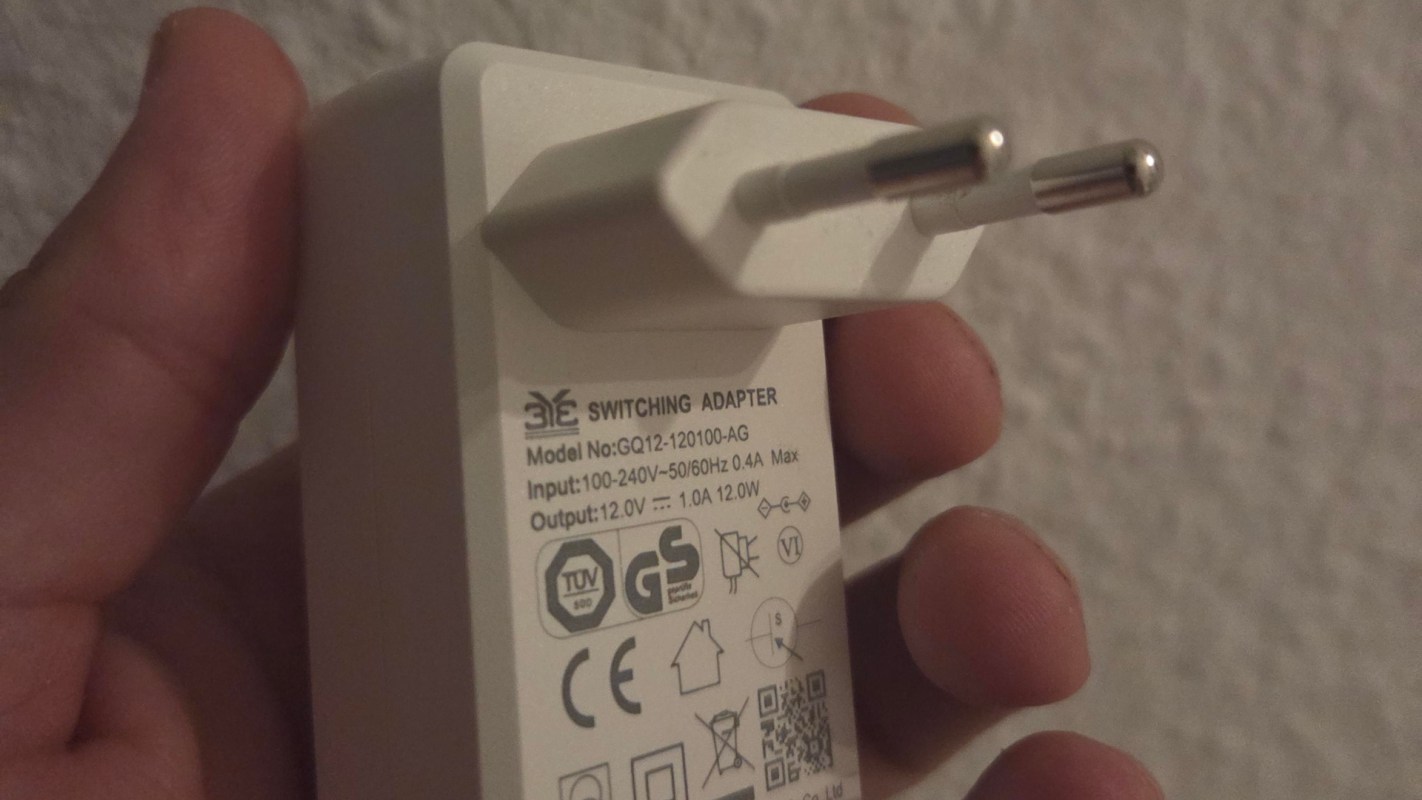
The Shelly Plug M Gen 3 had a warning symbol that appeared to ban chargers from being plugged into the smart plug. The manual ended up answering the symbol question: "In the manual it says indeed: Do not direct-plug-in equipment (chargers, power adapters etc)."
Reddit users then tried to explain why that restriction might exist. One commenter wrote, "I had the problem that if I plug in a power supply directly or put it right next to it, it drastically lost WIFI reception. Perhaps this is the reason why you should not do this."
The discussion raised several other possibilities as well, including heat, added weight, and signal interference.
TCD Picks » Quince Spotlight
💡These best-sellers from Quince deliver affordable, sustainable luxury for all




One commenter wrote, "Those chargers will dissipate heat that might elevate the Shelly temperature and make it overheat. The solution would be to use a power strip to move the load away."
More background
Smart plugs are often marketed as an easy way to automate devices and identify the electricity that electronics continue to draw even when they appear to be off, often called "vampire power."
One charger or entertainment accessory may waste only a small amount of electricity, but reducing standby power across multiple items can add up over time while also cutting unnecessary energy use.
The thread also highlighted a common purchasing mistake: choosing a smart plug before checking whether the device being monitored relies on a bulky wall adapter. If the plug cannot safely or reliably support that arrangement, the intended workaround becomes much less practical.
One commenter went as far as contacting Shelly support, who told them that, "Those indicate that another Shelly or non-Shelly smart plug should not be inserted in the Shelly Plug S Gen3.
Please excuse us, as it is not particularly stated in the documentation."
If that is the case, then the poorly labeled symbol is just telling users not to chain the smart plugs together.
What can be done?
Reading the manual can help determine whether a smart plug will work for an energy monitoring project.
If the goal is to track a device with a wall wart or plug-in transformer, a short power strip or extension cord may be a simple solution for overheating issues, since it keeps the adapter from sitting directly on the smart plug.
Commenters also cautioned against stacking smart plugs or creating bulky combinations that place extra stress on the outlet.
For automations based on power draw, such as when an appliance has finished running, the plug needs to support power monitoring and be designed for the type of load being connected.
Smart home automation is a good way to reduce energy consumption and optimize a home, but to reduce the risk of a malfunction, all safety warnings should be read and followed.

Get TCD's free newsletters for easy tips, smart advice, and a chance to earn $5,000 toward home upgrades. To see more stories like this one, change your Google preferences here.