


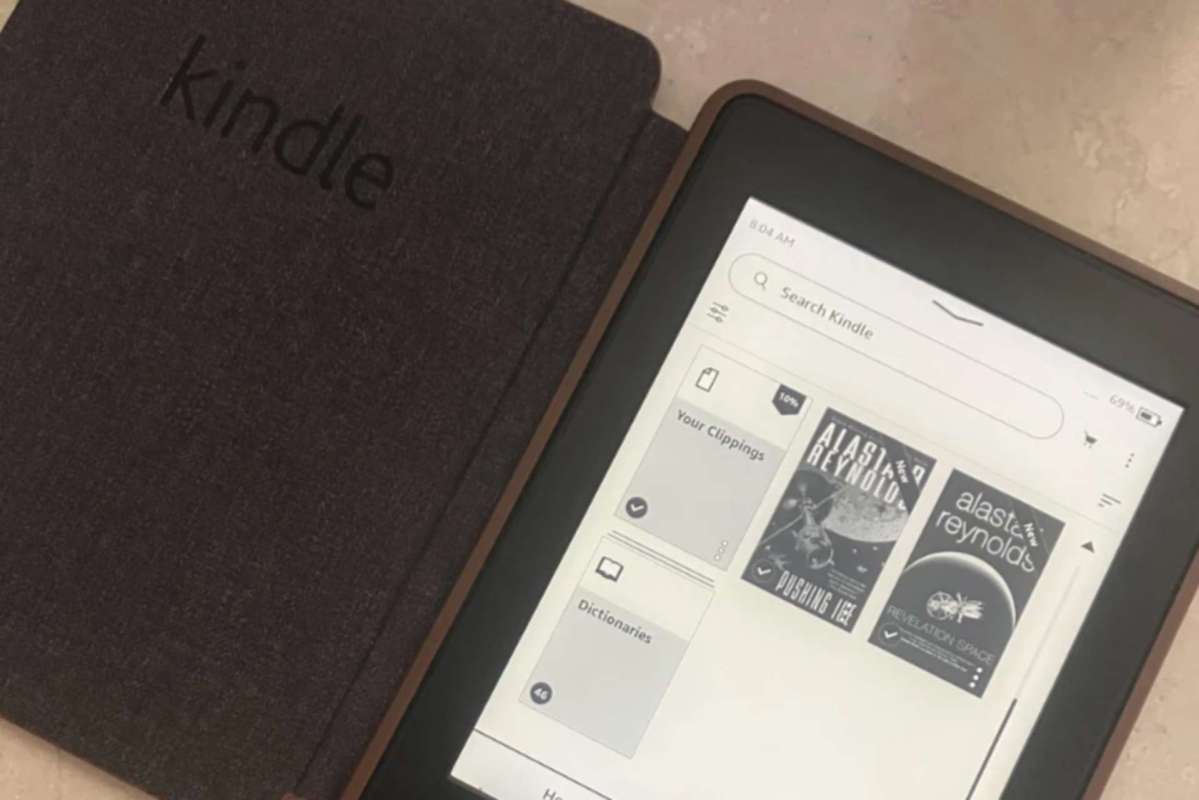
A thrift-store Kindle that cost about $5 seemed like a budget-friendly win, that is, until a Wi-Fi connection during a trip reportedly wiped out most of its side-loaded books.
The story is striking a nerve because it combines two frustrations at once: the limits of digital ownership and the way locked-down devices can make secondhand electronics harder to use for longer.
What happened?
The report came from a Reddit post in which a user said they loaded several books onto a used Kindle using their laptop, bypassing the Kindle store.
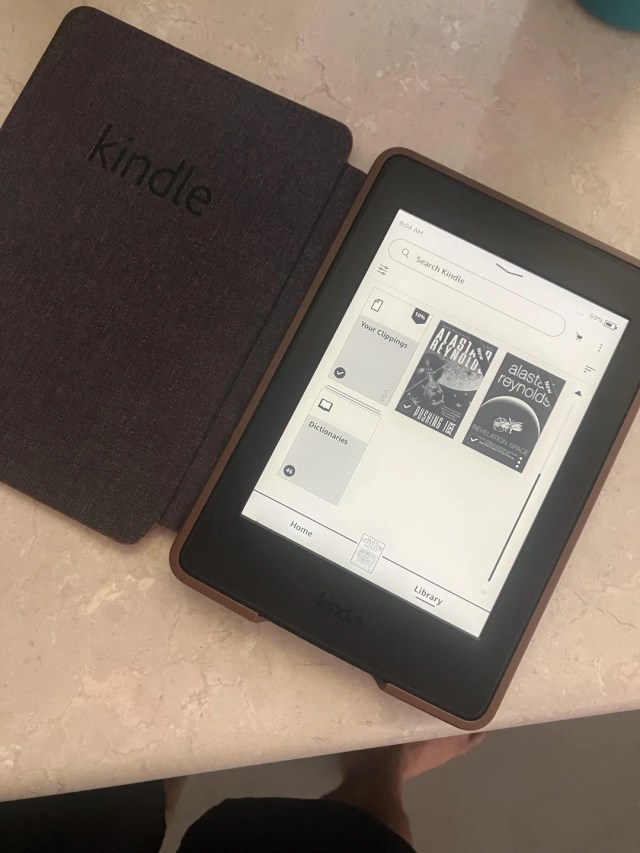
The original poster said, "I'm currently on a trip and mistakenly connected to wifi, 90% [of] my books were suddenly gone."
They said the files were backed up, but being away from their computer made the situation especially aggravating. "I'm on holiday and didn't bring my laptop," the poster wrote.
OP later added, "It's a prime example of how the internet trap can be used to manipulate our digital ownership."
TCD Picks » Quince Spotlight
💡These best-sellers from Quince deliver affordable, sustainable luxury for all




The replies mixed alarm with practical suggestions.
One commenter wrote, "Put it in airplane mode ASAP," adding in resources to "jailbreak" their device. Another commenter praised this, saying, "Stuff like this is why Reddit is still so good. Thank you for sharing."
Why does it matter?
The issue goes beyond a single e-reader mishap. Even when devices were bought secondhand and reused rather than thrown away, digital products often come with invisible rules that can limit what owners can do with them.
This all affects consumers trying to save money, reduce waste, and keep electronics in service longer. A thrifted e-reader is exactly the kind of reuse story that can help cut down on unnecessary manufacturing and electronic waste. But when software restrictions interfere, they can push people toward replacing devices instead of extending their lifespan.
The issue also raises questions of trust between consumers and companies. Many people assume ownership means control, but connected gadgets often function more like rented products. That can leave travelers, students, and budget-conscious readers especially vulnerable when something changes after an update or a login.
What can I do?
To try to avoid issues, you can back up your files and be careful about connecting older or heavily customized devices to Wi-Fi if you are relying on locally stored content. If you use books downloaded from a third-party platform, keeping copies on a laptop or external drive can keep a bad surprise from turning into a permanent loss.
For less technical users, though, the easier path may be choosing devices and reading apps that support open file formats without requiring a tightly controlled storefront.
If you are shopping secondhand, it also helps to research how a device handles offline files, updates, and account syncing before you buy. A cheap e-reader can still be a smart, lower-waste purchase, but only if its software does not undercut the value of reusing it.

Get TCD's free newsletters for easy tips, smart advice, and a chance to earn $5,000 toward home upgrades. To see more stories like this one, change your Google preferences here.