


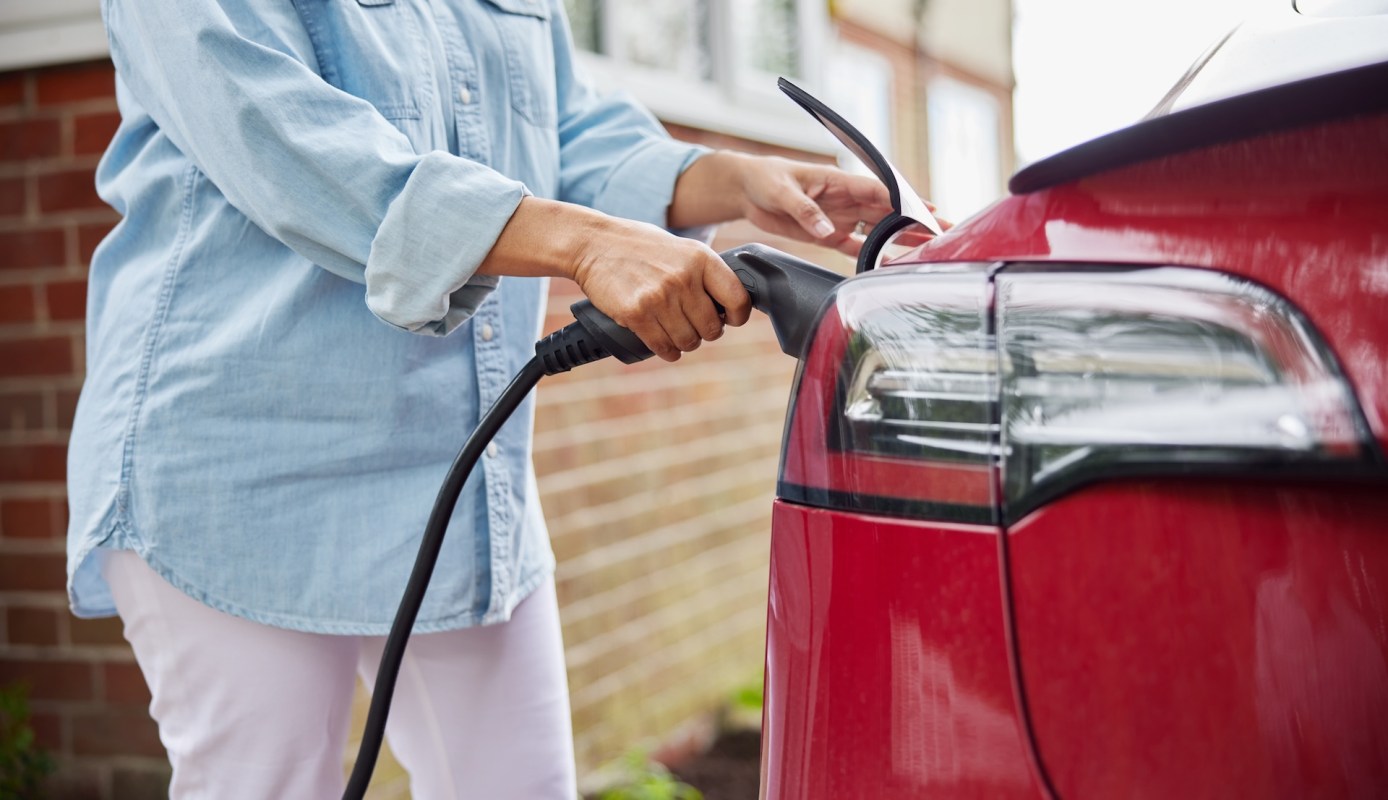
For some electric vehicle owners, the biggest concern with a new home charger is not power output but all the extra software that comes with it.
One EV driver sparked a lively discussion by asking whether a charger could simply do its job without Wi-Fi, apps, or cloud-based features.
Here's what to know
In a Reddit thread, the original poster said that after 18 months of relying on a mobile charger, they were ready to install a home unit — just not one built around internet-connected extras.
"I have absolutely zero interest in anything IoT or connecting my car charger to the Internet at large," the poster wrote. "Do Charge Point chargers require a damned Internet connection to just freaking charge my car?"
Replies suggested that routine charging usually does not depend on a constant web connection. Depending on the charger, though, internet access may still be needed at the beginning or later on if the owner wants to change settings such as amperage limits.
One commenter wrote, "No, but they do require internet for initial connection/configuration, but after that they can go without internet for years."
TCD Picks » Quince Spotlight
💡These best-sellers from Quince deliver affordable, sustainable luxury for all




Commenters added that anyone who wants to avoid that step entirely may be better served by a "dumb" charger — one without wireless features, where the car handles charging schedules and battery limits.
Those looking to install a Level 2 home charger, which are significantly faster than the basic Level 1 chargers that come with most EVs and plug-in hybrids, can use Qmerit to upload a picture of their electrical box and get installation quotes from local verified electricians based on what their specific project will require, along with choices of charger type.
More background
Because home charging hardware is often expected to stay in service for a long time, some users said software dependence is a legitimate concern. One commenter warned that a device with a multi-decade lifespan can become "difficult or impossible to repurpose" if the manufacturer later abandons its app or cloud service.
Several commenters pointed to simpler chargers, especially Grizzl-E models, as examples of equipment that handles the basics well.
One commenter said, "I just installed a grizzle – E classic. Just plugged it in to the house and plugged it into my car and it works. There's not even a Wi-Fi module in it to connect to anything. All the charging configuration is done in the car."
As one commenter noted, that can mean no "software connectivity glitches" and no "authorization" failures.
What can be done?
For shoppers trying to choose a home charger, the thread suggests starting with one straightforward question: Do you actually need smart features?
A basic EVSE may be enough if your car already lets you schedule charging and choose a target battery level. As one commenter wrote, "This is the answer - a dumb charger. Just plug in and charge and set the desired charged limit in your car's software."
Utility programs were the main exception mentioned in the discussion. One person's utility required a web-connected charger to offer discounted power on a pay-as-you-go basis, while another said a basic charger works well except when enrolling in a utility time-of-use discount.
Where can I learn more?
Questions about apps and connectivity don't stop at the garage. These stories look at road-trip app overload, plug-and-charge systems, home Level 2 setups, and new software aimed at making charging more automatic.
• Across the U.S., drivers face 8 charging apps, 2 adapters, and mystery prices on road trips.
• At Allego stations, no need to open an app before charging even begins.
• Volvo's U.S. EVs now start charging the moment drivers plug in, without cards or apps.

Get TCD's free newsletters for easy tips, smart advice, and a chance to earn $5,000 toward home upgrades. To see more stories like this one, change your Google preferences here.