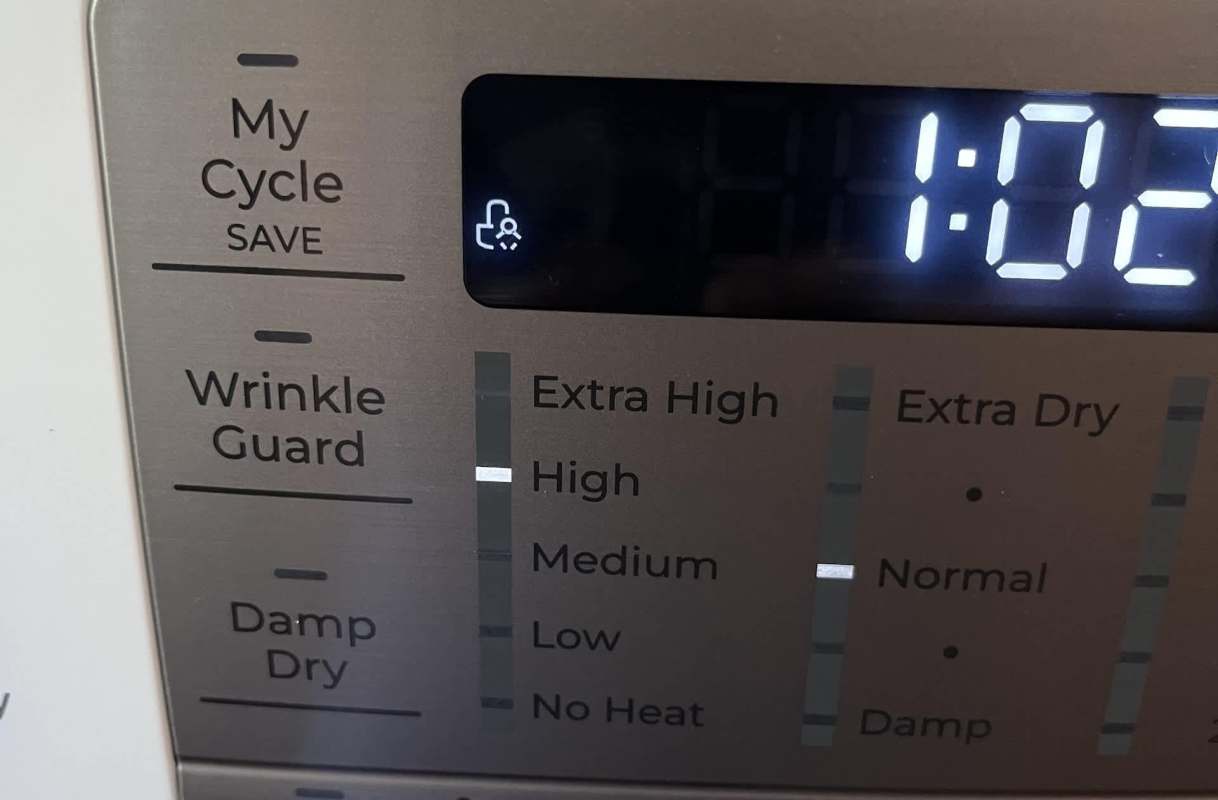
What looked like a dryer failure turned out to be a three-second hold of the button.
After trying the manual and cleaning the lint filter, the owner found the machine wasn't broken at all; the child lock linked to the Chime button was on.
Here's what to know
In a Reddit post, the owner described a dryer that would light up, show two indicators, then lose the top one and refuse to do anything else. It wouldn't start, wouldn't allow setting changes, and cleaning the filter didn't help, and "I couldn't find the answer in the manual either."
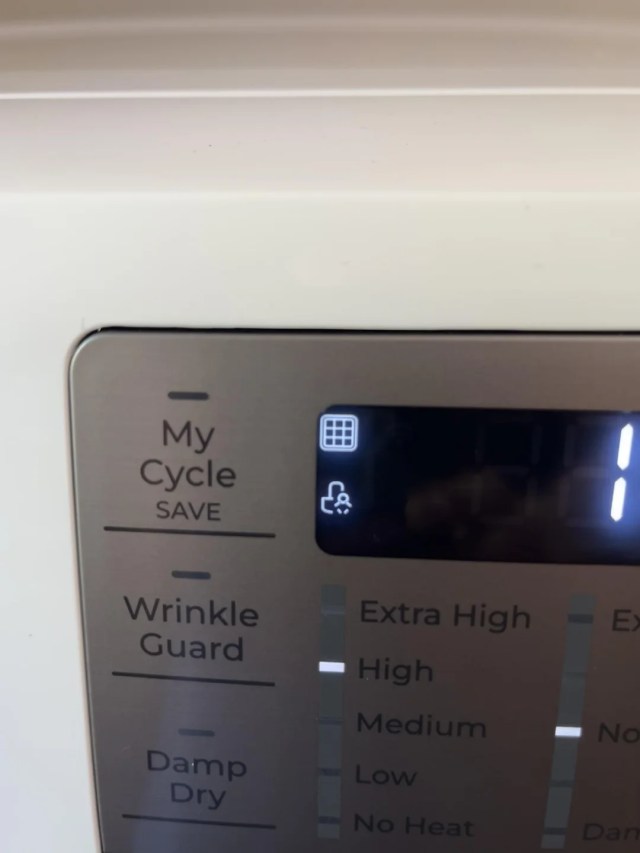
A reply in r/Appliances pointed them to the fix with a simple instruction: "Hold the chime/control lock button for 3 seconds." The OP said that solved the problem.
The OP added an update at the top of the thread: "solved it was the child lock, I had to press & hold the Chime button for 3 seconds. Thank you!!"
So the problem wasn't a mechanical failure, which may have saved the owner an unnecessary repair call.
TCD Picks » Quince Spotlight
💡These best-sellers from Quince deliver affordable, sustainable luxury for all




When a dryer powers on but will not respond, a control lock can be worth checking before assuming something more serious is wrong.
More background
The confusing clue was a small icon that looked like a person, and the owner still didn't know what it meant after consulting the manual.
In a home with a small child, a lock feature like that can be useful, but the symbol itself was not easy for the owner to identify.
Once other users said it was the child lock, the meaning seemed to click for the OP, who replied, "That would make sense with the little person. Do you know to turn it off?"
The thread also turned playful, with several commenters joking about children being in the machine. One said, "Baby in dryer symbol lol," and the OP joined in by replying, "Hahaha I checked for babies, we good."
A locked control panel can look like a much larger appliance problem, especially on a newly purchased dryer.
It can waste time, disrupt household routines, and send people toward repair solutions when the real cause is a safety setting.
What can be done?
The fix was to hold the Chime/control-lock button for a few seconds, which brought the controls back and got the dryer working again.
Because the dryer still powered on and showed indicator lights but would not let the owner change settings, the issue here pointed to a locked panel rather than a dead machine.
The owner had even cleaned the lint filter before the real cause was identified.
If a dryer seems stuck, it may be worth checking for a child-lock symbol and the related button combination shown on the panel.
In this case, that small step spared the owner extra hassle and got the appliance running again without outside help.
The OP confirmed it after trying the advice from the comments: "Thank youuu that's exactly what I did we're rockin n rolling now."
Where can I learn more?
More dryer stories like this one show how quickly a small issue can turn into a bigger headache. They cover no-heat breakdowns, repair decisions, electrical shocks, and long-lasting machines.
• An LG owner found no-heat troubleshooting meant taking the whole dryer apart.
• A homeowner weighing a Maytag fix learned it spins but won't dry.
• A used Whirlpool dryer delivered a pretty mean jolt, and commenters urged unplugging it.
• One owner checked a Speed Queen and learned it was built the year he was born.

Get TCD's free newsletters for easy tips, smart advice, and a chance to earn $5,000 toward home upgrades. To see more stories like this one, change your Google preferences here.