

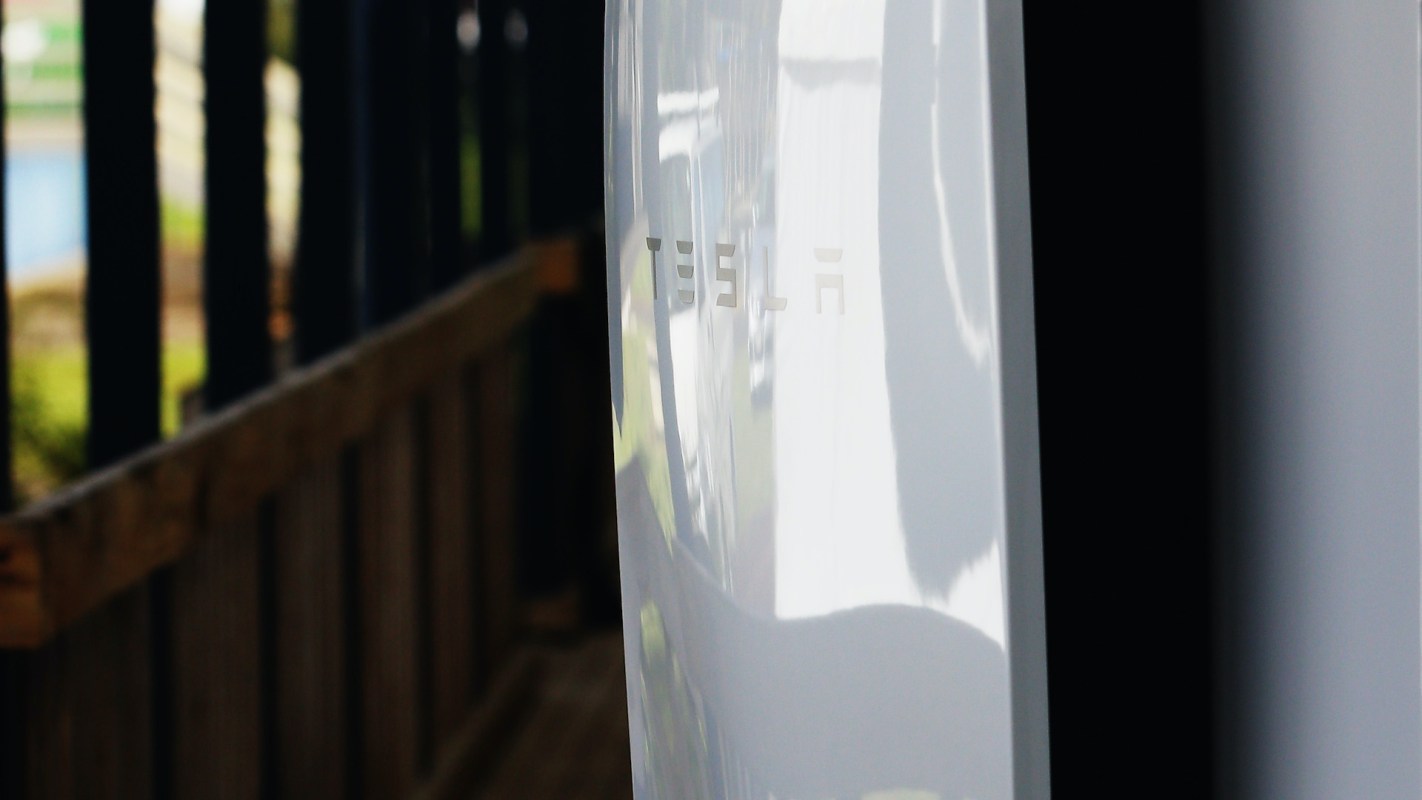
Taking over a house with a Tesla Powerwall can sound like a simple path to backup power. For one new homeowner, though, it quickly turned into a frustrating tech problem when the Tesla app could not find the battery, gateway, or charger after the ownership transfer.
Here's what to know
In a Reddit post, the OP said that after buying a home with a battery system already installed and being "nominated as the owner," they still could not get "the Powerwall, gateway or charger to add to the app." They also asked, "Do I have to connect the gateway first?"
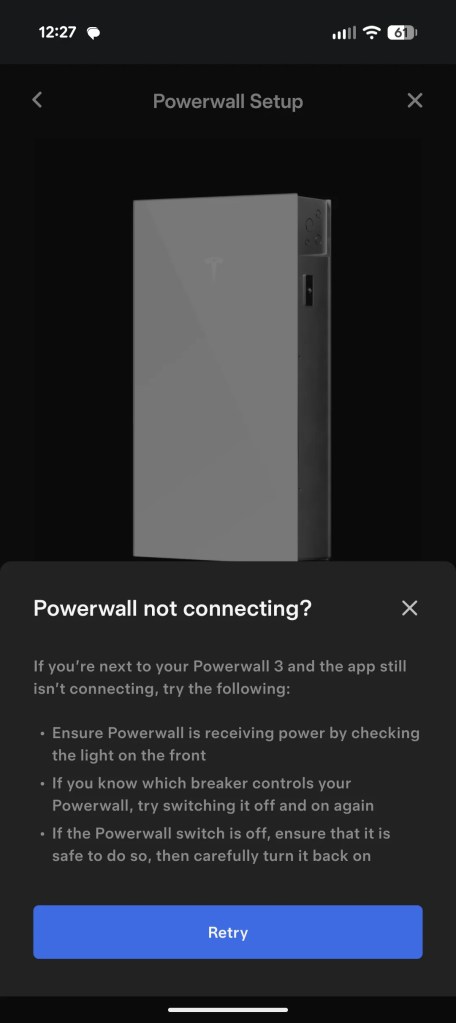
Replies largely treated the problem as a lost internet connection rather than an ownership issue. One user recommended using the setup app to reconnect the system. The same user added, "You will need to pop the front cover off (careful it's glass!) to get the WiFi password for the device's own network if it's a PW3."
If you're still comparing systems instead of troubleshooting one already installed, it may be worth exploring EnergySage to learn about home battery storage options, including competitive installation estimates. EnergySage has teamed up with electrification brand Qmerit to help homeowners get the best price on home battery storage solutions.
More background
Buying a house with existing energy hardware is only part of the handoff. A transfer of ownership does not automatically mean the equipment has been reconnected and set up again.
That can leave the battery, gateway, and charger sitting in place while the app still shows nothing, especially if the local configuration was never redone after the previous resident moved out.
Another response pointed to the home's Wi-Fi settings rather than the hardware itself. One user said, "I had to adjust my router settings to separate the 2.4 GHz and 5 GHz Wi-Fi bands." They said preventing the router from auto-switching between the two allowed the system to connect and sync to the app. Many modern routers combine 2.4 GHz and 5 GHz bands by default.
A functioning home battery can keep important parts of a house running during outages while giving homeowners more control over when they use electricity from the grid. In this case, however, those benefits remain out of reach until the app can detect the system again.
Save $10,000 on solar panels without even sharing your phone number Want to go solar but not sure who to trust? EnergySage has your back with free and transparent quotes from fully vetted providers in your area. To get started, just answer a few questions about your home — no phone number required. Within a day or two, EnergySage will email you the best options for your needs, and their expert advisers can help you compare quotes and pick a winner. Solar panels can save you more than $50k over their 25-year lifespan, and EnergySage can help you save as much as $10k on installation. Which begs the question — isn't that worth an email or two? |

What can be done?
The discussion centered on reconnecting the system locally instead of repeatedly trying the regular app alone. The top-voted advice was to use a setup app and connect directly to the system's Wi-Fi, getting the password from behind the front cover if needed.
Others said separating router bands solved the syncing problem on their systems.
One user said, "I had to adjust my router settings to separate the 2.4 GHz and 5 GHz Wi-Fi bands." A second user agreed and added, "Yep, this. Also, whilst the cover is off, hardwire it."
For homeowners who want backup power without a fully installed system, Pila offers another option, and Pila's plug-and-play batteries are priced at a fraction of what a whole-home backup system would cost. If the gateway and charger still refuse to appear after those Wi-Fi steps, users suggested customer support may be the next stop.
Where can I learn more?
For more on how Tesla Powerwalls work in real homes, these stories look at app behavior, setup issues, and day-to-day use. They cover new app tools, surprising charging behavior, outage backup performance, and rapid adoption.
• Tesla's latest app update added a new Powerwall meter feature that gives owners clearer energy data.
• In California, one homeowner learned why a new Powerwall unexpectedly pulled electricity from the grid.
• A home energy specialist tested the Tesla backup system and found strong outage protection.
• Tesla has now passed half a million installations, showing how quickly home batteries spread.

Get TCD's free newsletters for easy tips, smart advice, and a chance to earn $5,000 toward home upgrades. To see more stories like this one, change your Google preferences here.