


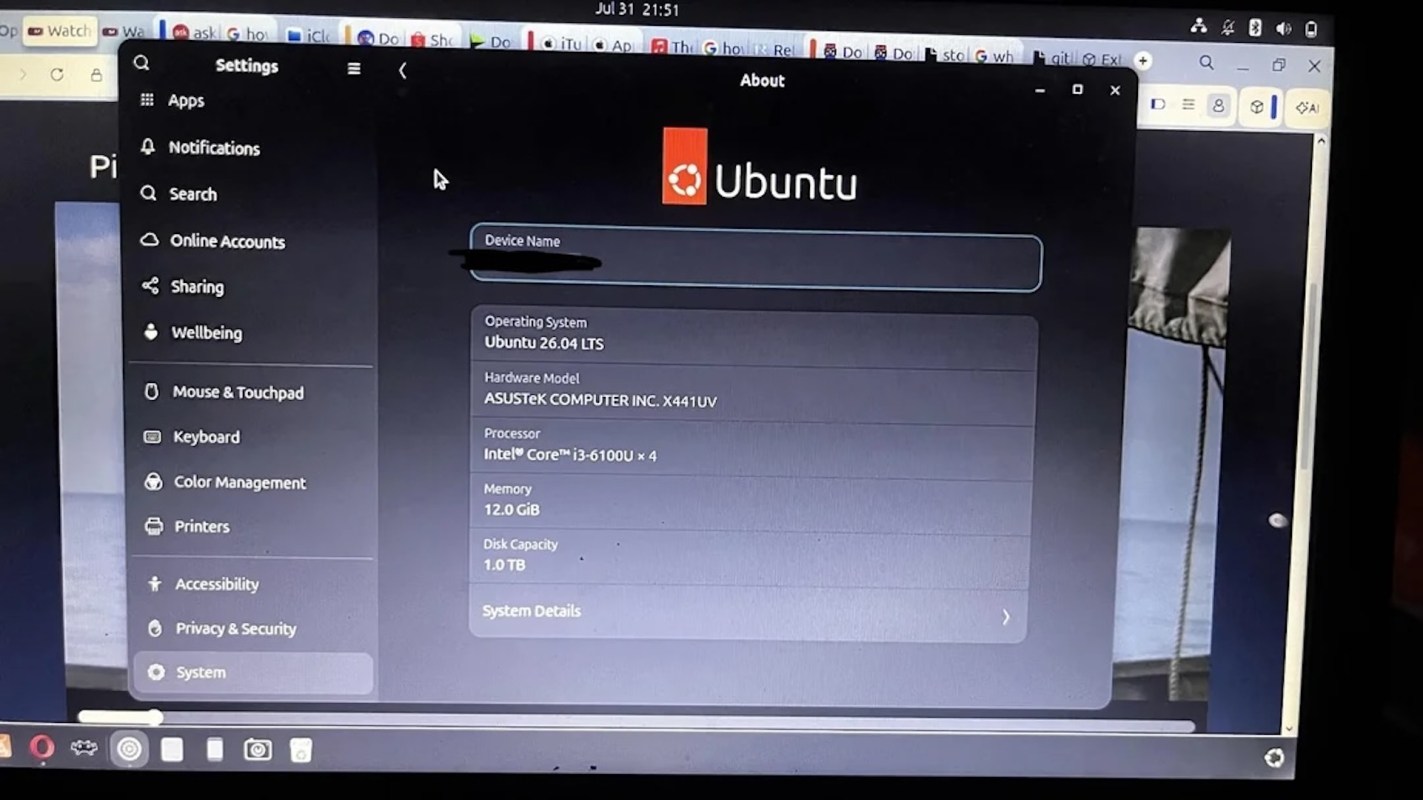
Faced with replacing a more than 10-year-old Asus laptop, one Redditor went with a lower-cost option.
After switching the machine to Linux, the laptop remained useful. The story resonated with visitors to the r/Anticonsumption subreddit who would rather stretch the life of a device than replace it.
What happened?
The original poster explained in a post that installing Linux let them keep using the aging Asus rather than replace it.
For many people, a laptop doesn't need to be top of the line to handle basic tasks. That was true of the OP, who said it'd be used for light work or watching movies.
"I was impressed by how much the Linux OS able to optimise my laptop and now it's as smooth as butter," they wrote. "Saved a tons of money from buying a new one. I can say that I am proud of becoming one of the 'anti-consumption' community."
Other Redditors described how they repurpose older electronics into backup devices or computers set aside for specific jobs instead of leaving them in storage or throwing them away.
TCD Picks » Quince Spotlight
💡These best-sellers from Quince deliver affordable, sustainable luxury for all




How is this helpful?
A new laptop can easily cost hundreds of dollars, while higher-end models can cost much more. If an older computer can keep working with a software refresh, that could mean putting off a major purchase and getting more value from something you already own.
Many devices feel outdated because newer software slows them down. Linux has long been a popular option for people looking to make older machines usable again.
"Linux Mint is PERFECT for older laptops," a user wrote. "Whenever my friends ask me how to revive their old laptops just for movies and browsing I always tell them Linux Mint is the answer."
The discussion aligns with the anti-consumption idea that buying something new is not the only response when a device feels old. In some cases, the most practical and least expensive choice is finding a way to keep what you already have running.
What can I do?
If you have an older laptop sitting unused, there are several practical ways to find out whether it still has life left in it. Back up your files, check the computer's basic hardware specifications, and look into Linux operating systems. You can usually test them with a USB drive before fully installing them.
That option will not work for everyone, especially for people who rely on software that runs only on a specific operating system. For basic home use, though, an older machine can become a budget-friendly web browser, homework computer, media device, travel laptop, or backup device.
If switching operating systems feels intimidating, there are other ways to improve performance like replacing the battery or removing unused files.
And you don't have to do this alone. Local repair shops and community repair events can help you find many people who want to help you extend the life of your device.
If a machine truly cannot be revived, donating usable parts, seeking out a trade-in program or recycling it responsibly is still a better option than throwing it away.

Get TCD's free newsletters for easy tips, smart advice, and a chance to earn $5,000 toward home upgrades. To see more stories like this one, change your Google preferences here.